Ori Studio — Origami Design Workspace
A free, open-source workspace for origami design
Sketch a base, draw the crease pattern, and fold it to see whether it works — all in one place, with no account. Open it in a browser tab, or install the desktop app.
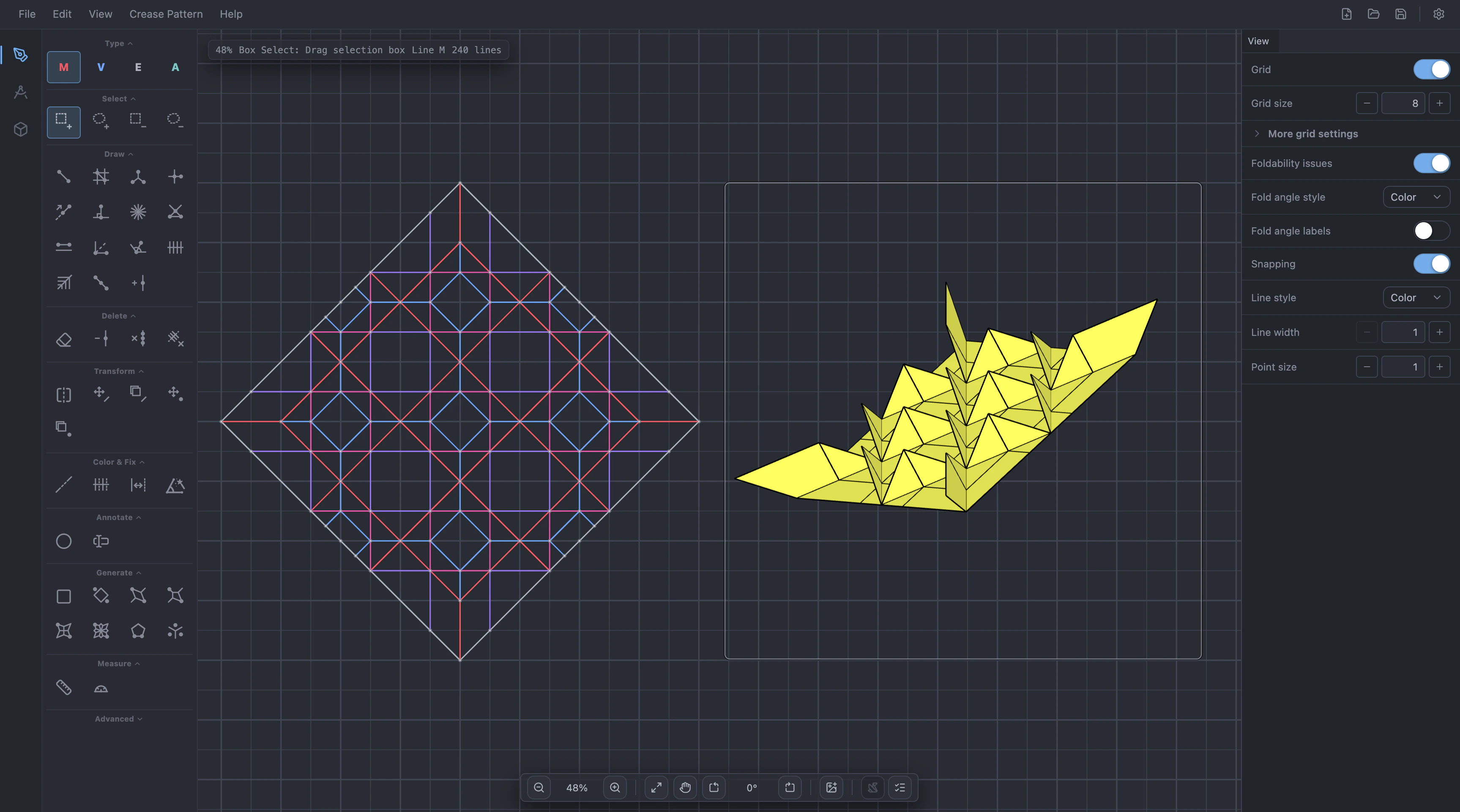
An editor that keeps up
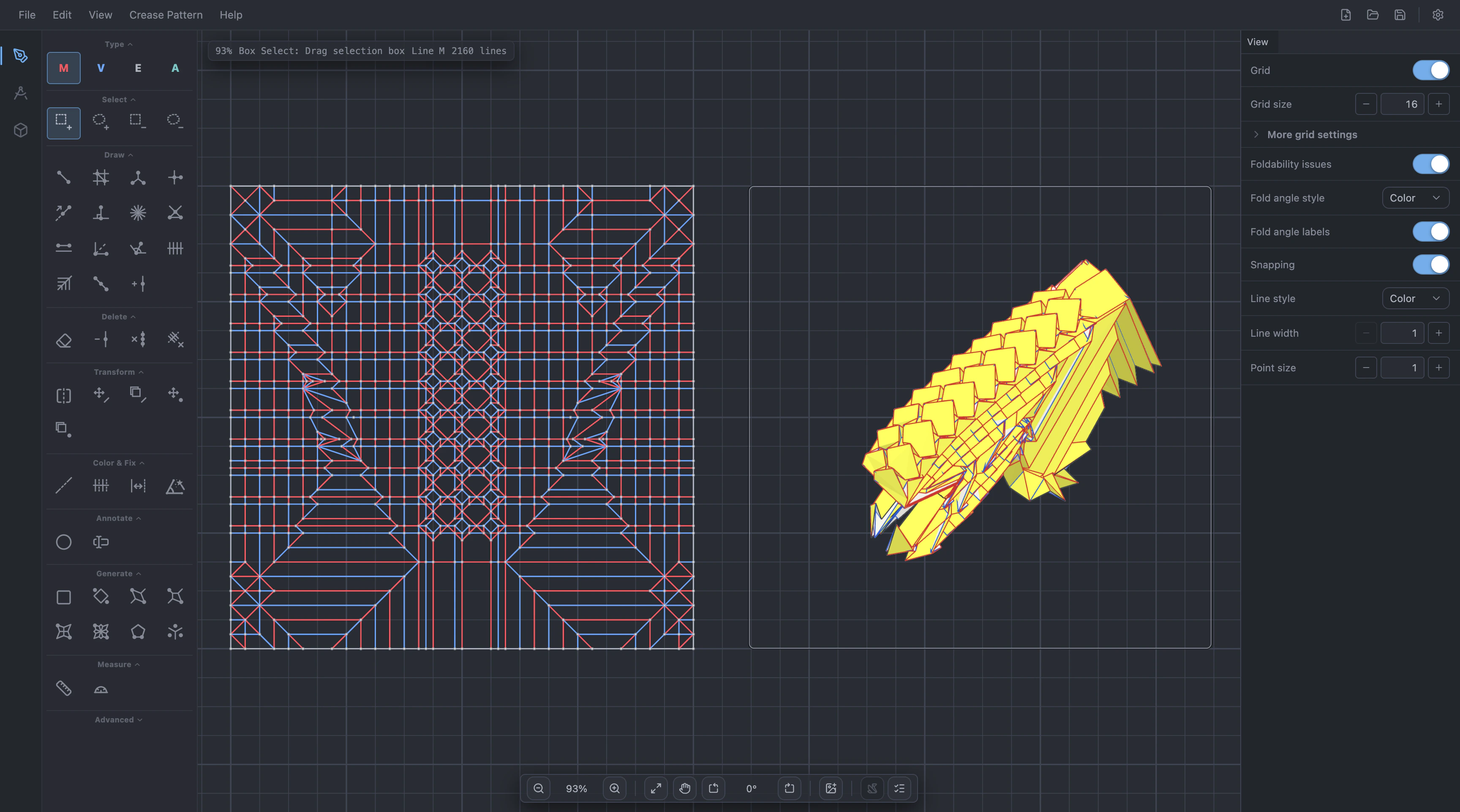
Draw with a full set of construction and transform tools, snapped to the grid and to angles, and see foldability problems the moment you make them. Reference photos, notes and a folded preview all live on the same canvas.
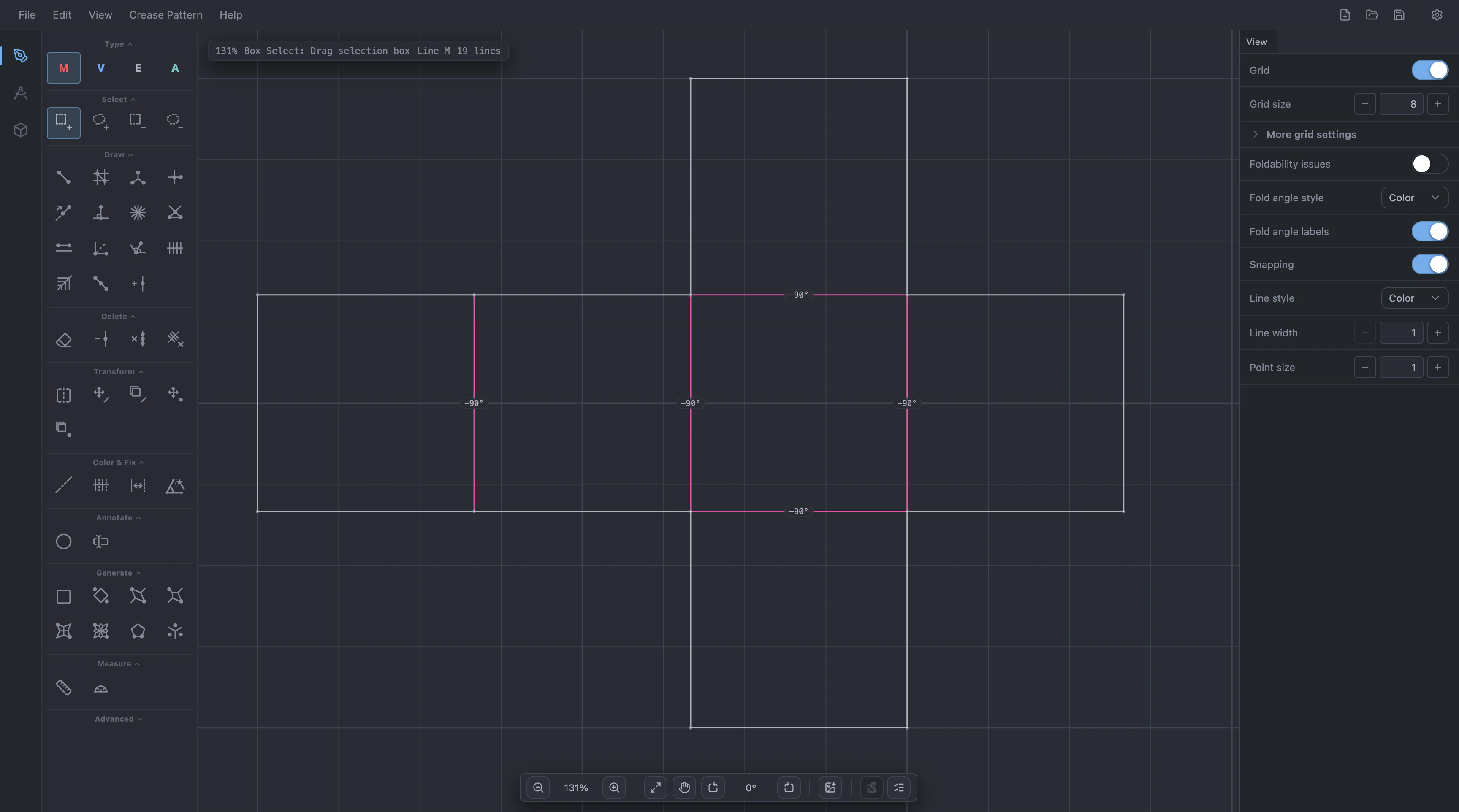
Draw, simulate, and solve origami models with non-flat creases.
Put a reference photo of the subject next to the paper and annotate the canvas with rich text. Both are saved with the project and dropped cleanly when you export to a format that has no room for them.
Kawasaki and Maekawa where the paper folds flat. Where it does not, each vertex is checked in three dimensions — walking its creases around to see whether the folds close back up, and by how far they miss.
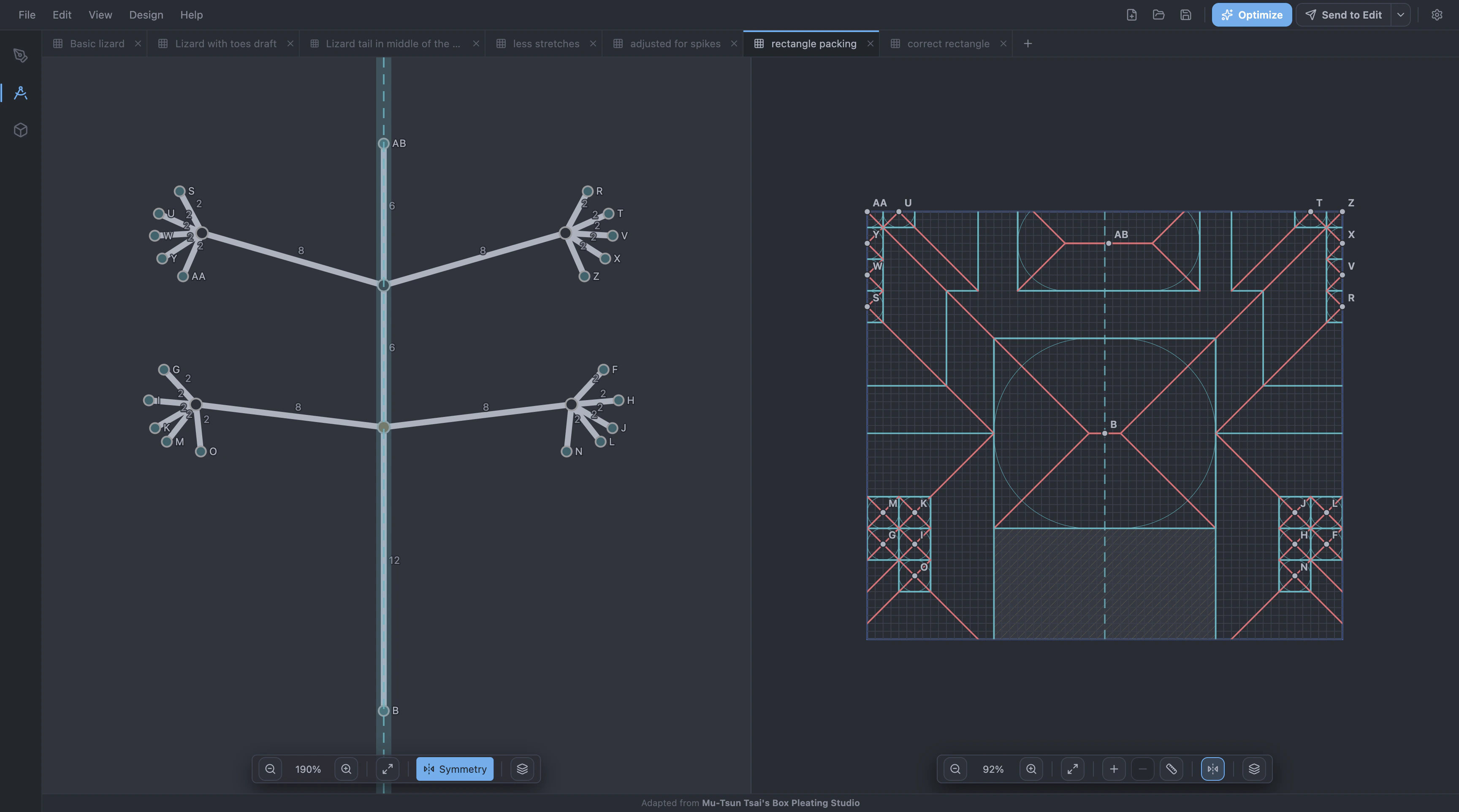
A tabbed design workspace
Pack your model with whichever method suits it, with several designs open side by side in tabs. Each one builds a crease pattern you can send straight to the editor.
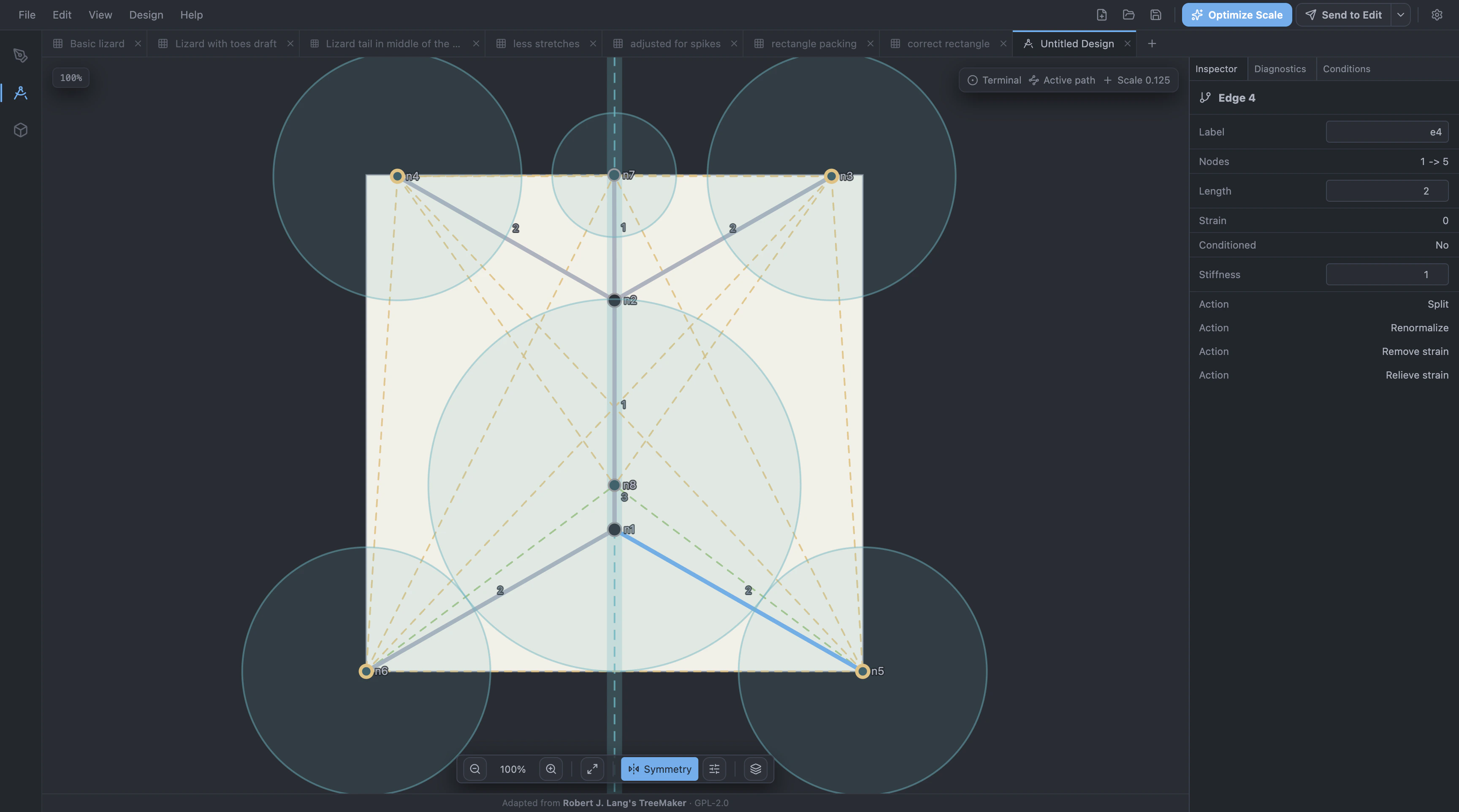
Lay flaps out on a grid, with rivers, stretch devices and symmetry constraints, and read the crease pattern off the packing.
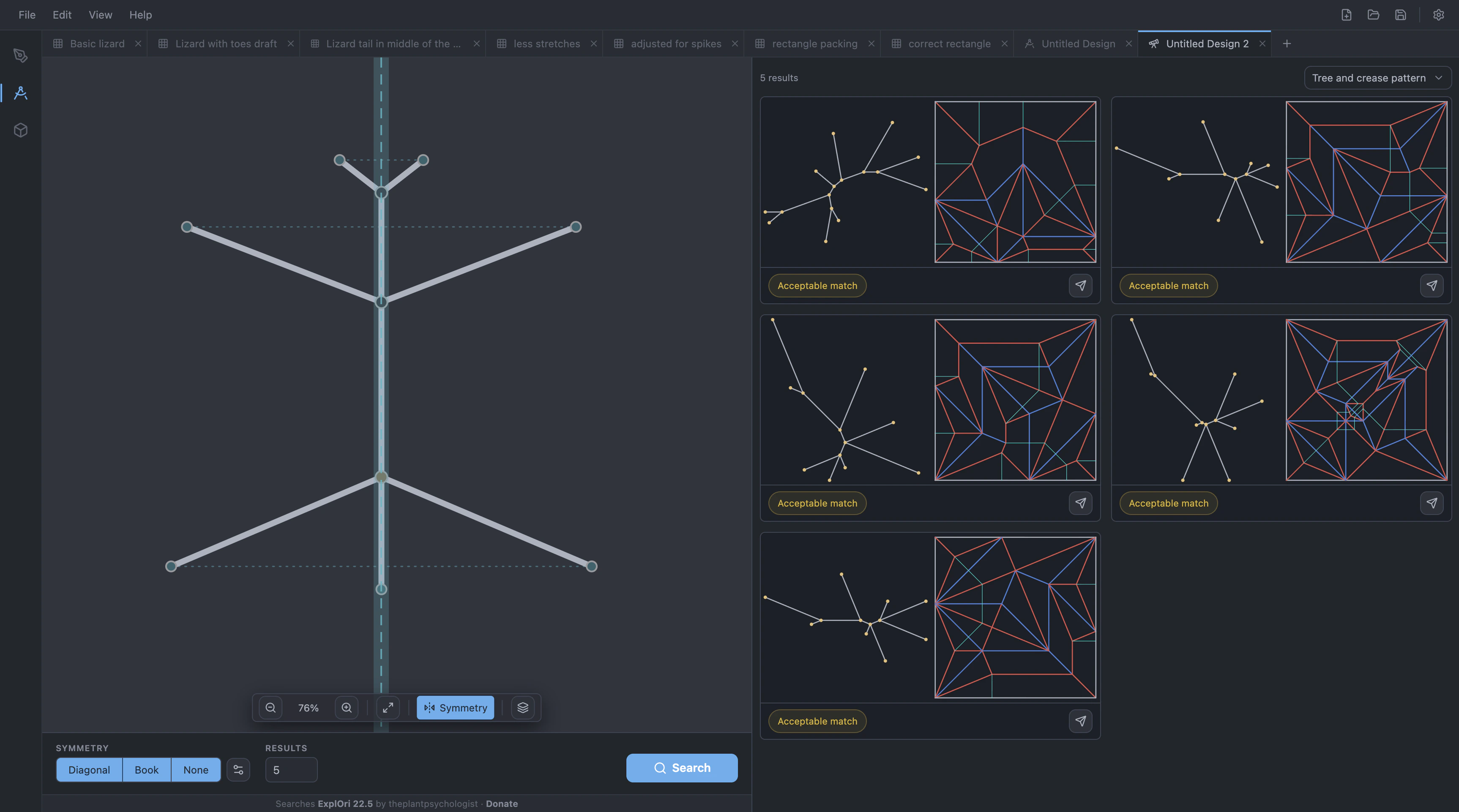
Fold it without leaving the pattern
Open a simulation in a window right next to the crease pattern you are drawing, so checking an idea costs a glance instead of a round trip through another program. A full Simulate workspace is there when you want the model on its own.
Built on the tools you already use
Much of Ori Studio is a careful port of work the community already built — Oriedita, TreeMaker and Box Pleating Studio — and keeping import and export interoperability with those tools is a commitment.
- .tmdopens only
- .tmd4opens and exports
- .tmd5opens and exports
- .foldopens and exports
- .cpopens and exports
- .oriopens and exports
- .orhopens and exports
- .bpsopens and exports
- .svgexports only
- .pngexports only
Open a tab, or install it
Ori Studio runs entirely in your browser, but if you prefer, you can install it as a desktop app.